Key Rush Typing Saga: Word Adventure
Reviews
Key Rush - Typing Saga offers a refreshing approach to typing practice by embedding it in a playful adventure. The levels are varied and keep the gameplay interesting, while the leaderboards add a competitive edge. It is easy to pick up for a few minutes, and the gradual difficulty curve supports steady improvement. A solid choice for casual players and those wanting to sharpen their typing skills.
About this game
Game Introduction
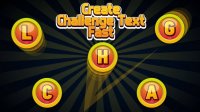
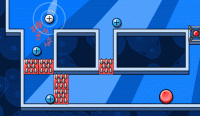
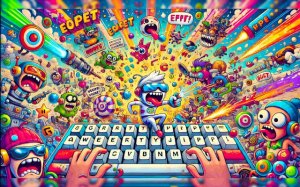
Key Rush - Typing Saga is a browser-based typing adventure game that turns keyboard practice into an engaging journey. Players help characters complete quests, overcome obstacles, and collect rewards by typing words, phrases, or commands that appear on screen. The game blends skill building with whimsical storytelling, making it suitable for all ages who want to improve typing speed and accuracy in a fun context.
How to Play
To play, simply start a level in your PC browser without any downloads. Short text strings appear on screen, each linked to an in-game action like moving, jumping, or collecting items. Type each string correctly and quickly to advance your character. Correct typing progresses the action smoothly, while typos cause brief delays. Complete each typing task before the timer expires to finish the level and unlock the next adventure.
Game Features
The game includes diverse levels that introduce new scenarios and challenges, competitive leaderboards to compare typing speed with others, smooth mechanics that respond accurately to keyboard input, and cinematic visuals that create an immersive atmosphere. It is designed to be accessible for all skill levels, from beginners to experienced typists.
Tips for Success
Practice regularly to build muscle memory and increase typing speed. Focus on accuracy first, as typos can cause delays. Learn the common word patterns that appear in each level to anticipate what you need to type. Take breaks between levels to avoid fatigue, and use the leaderboard as motivation to improve your personal best.